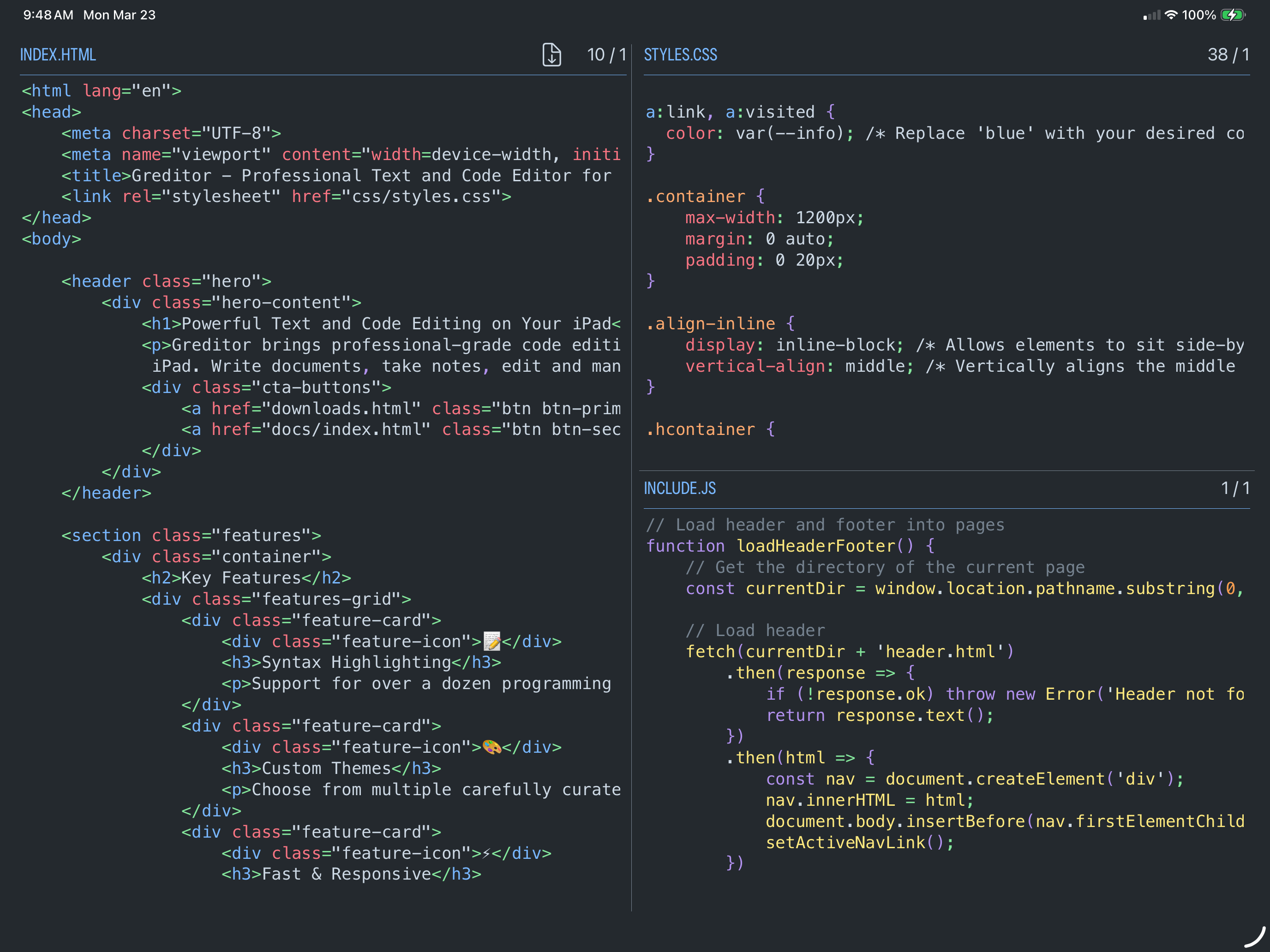
Syntax highlighting, divide screen into multiple edit panes
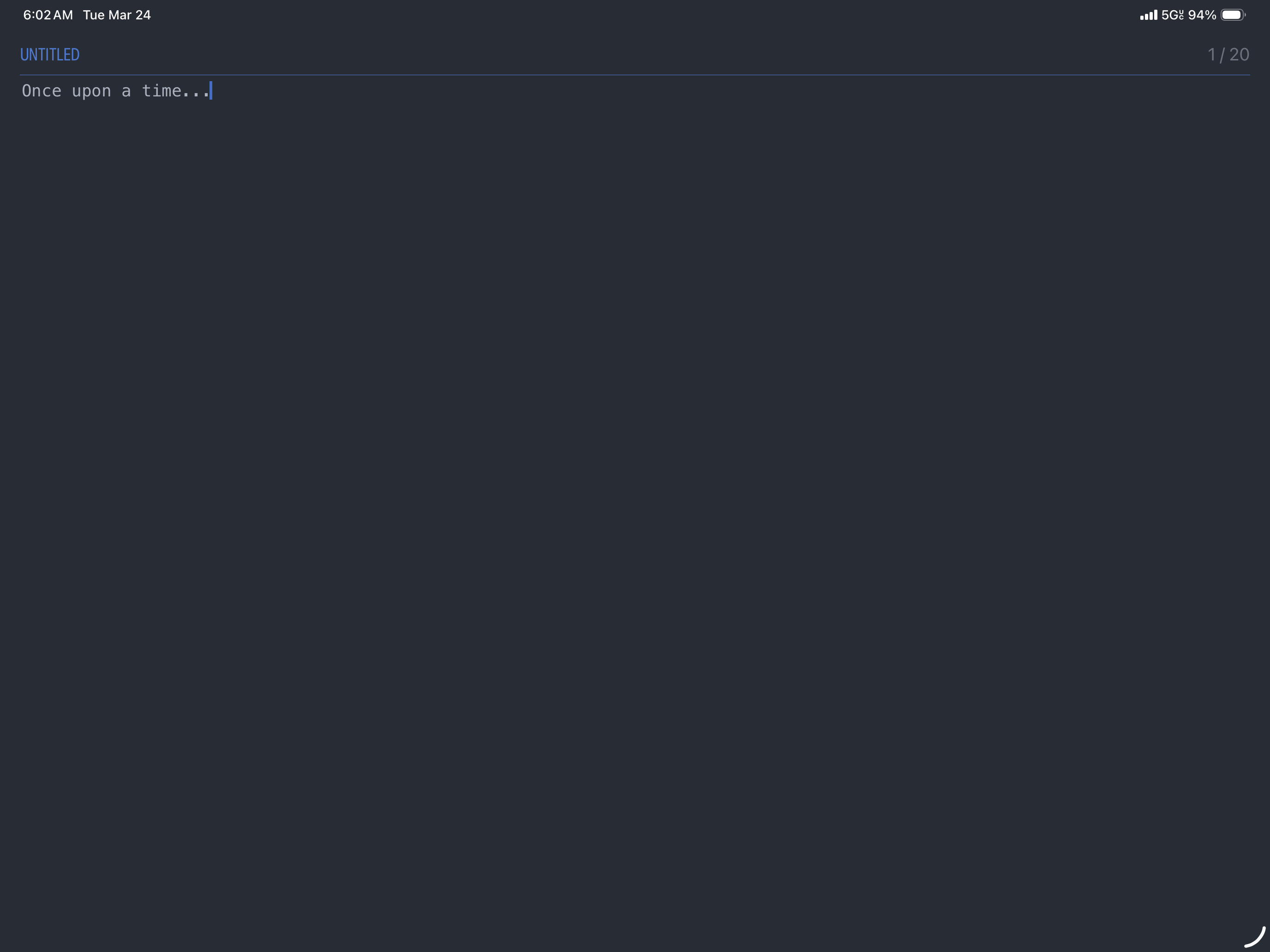
Purist design with a focus on simplicity and usability
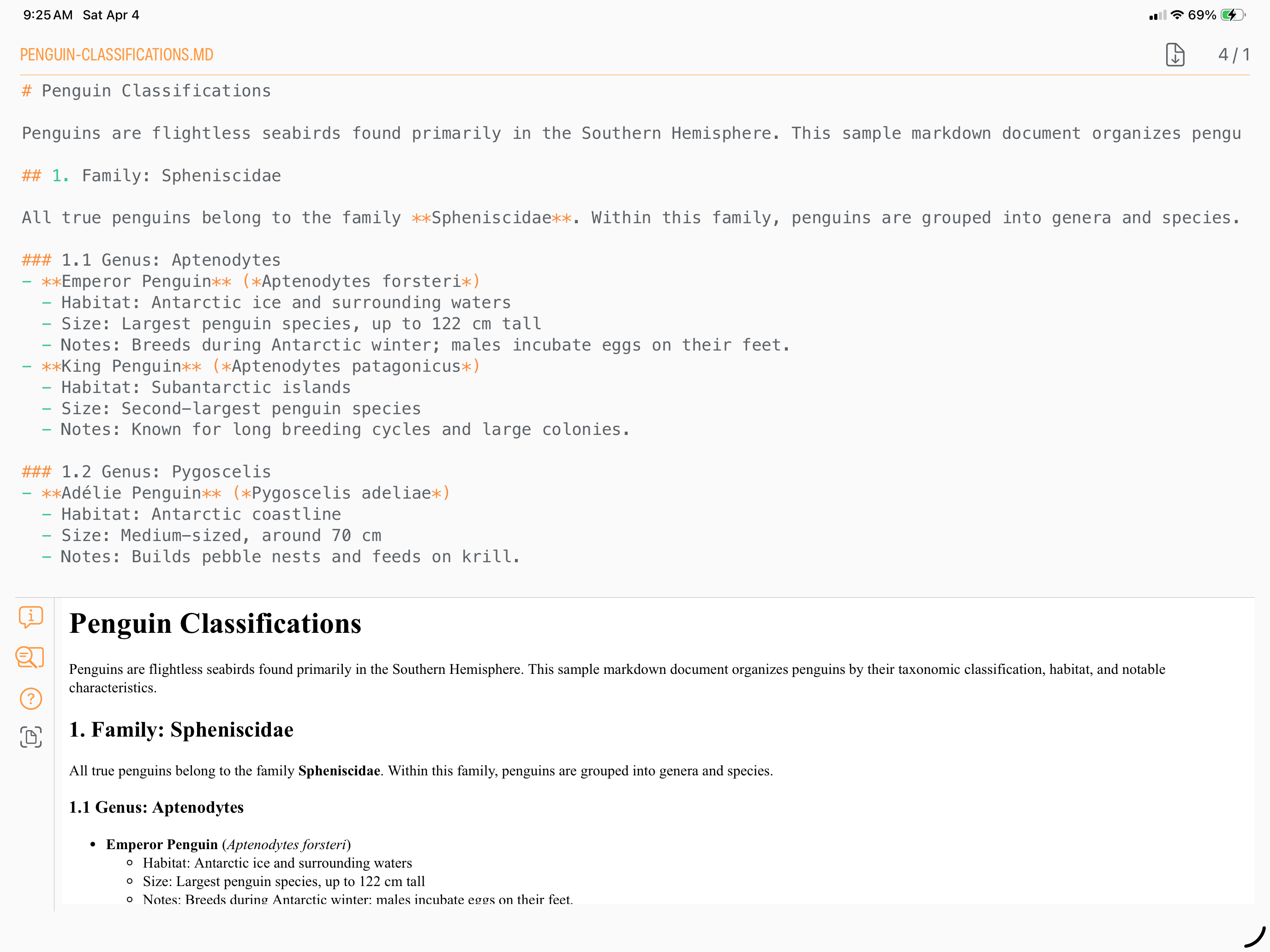
Built in preview for Markdown and HTML
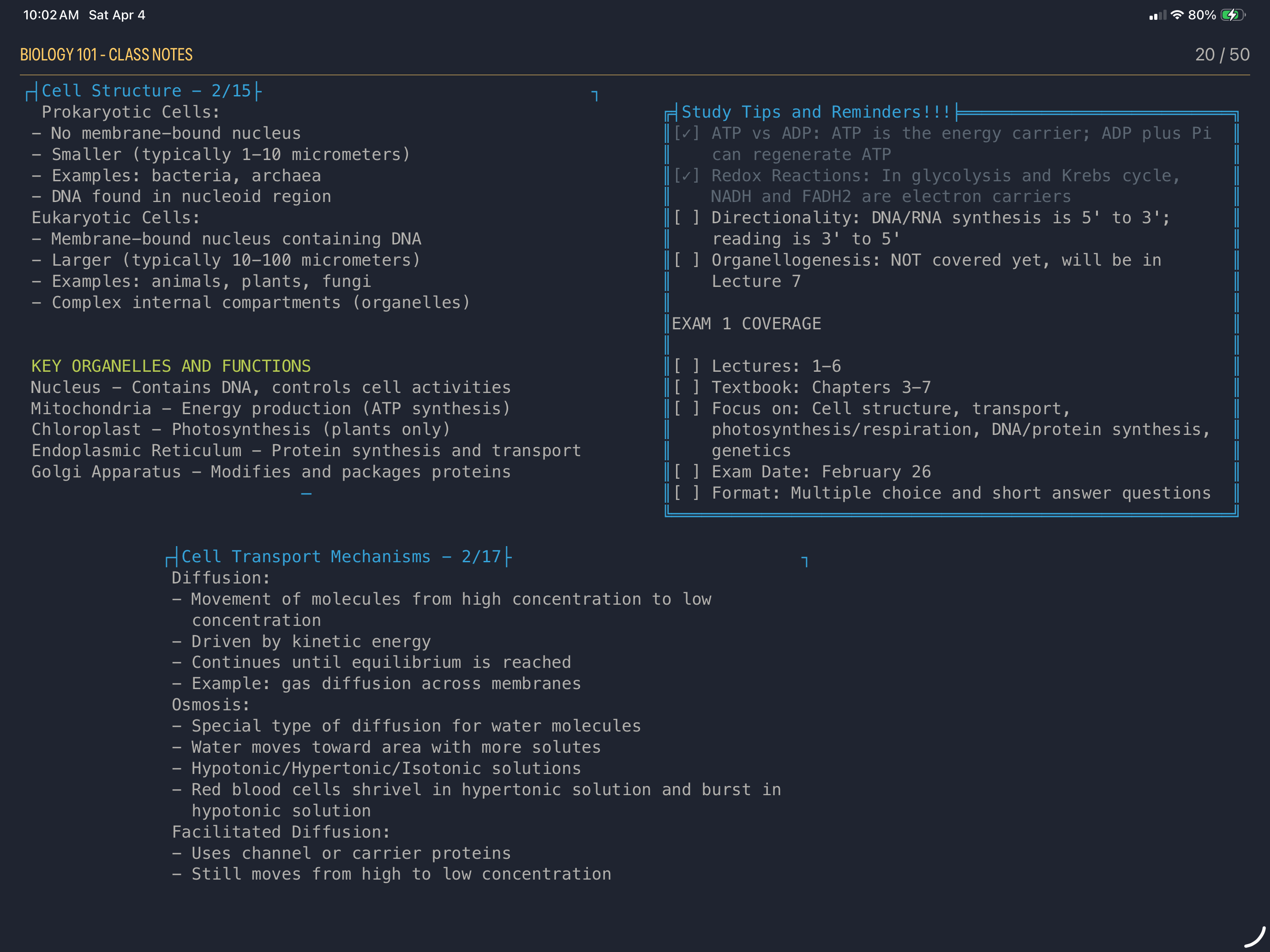
Free-form 'canvas' mode great for note-taking, to-do lists, highlighting, custom layouts
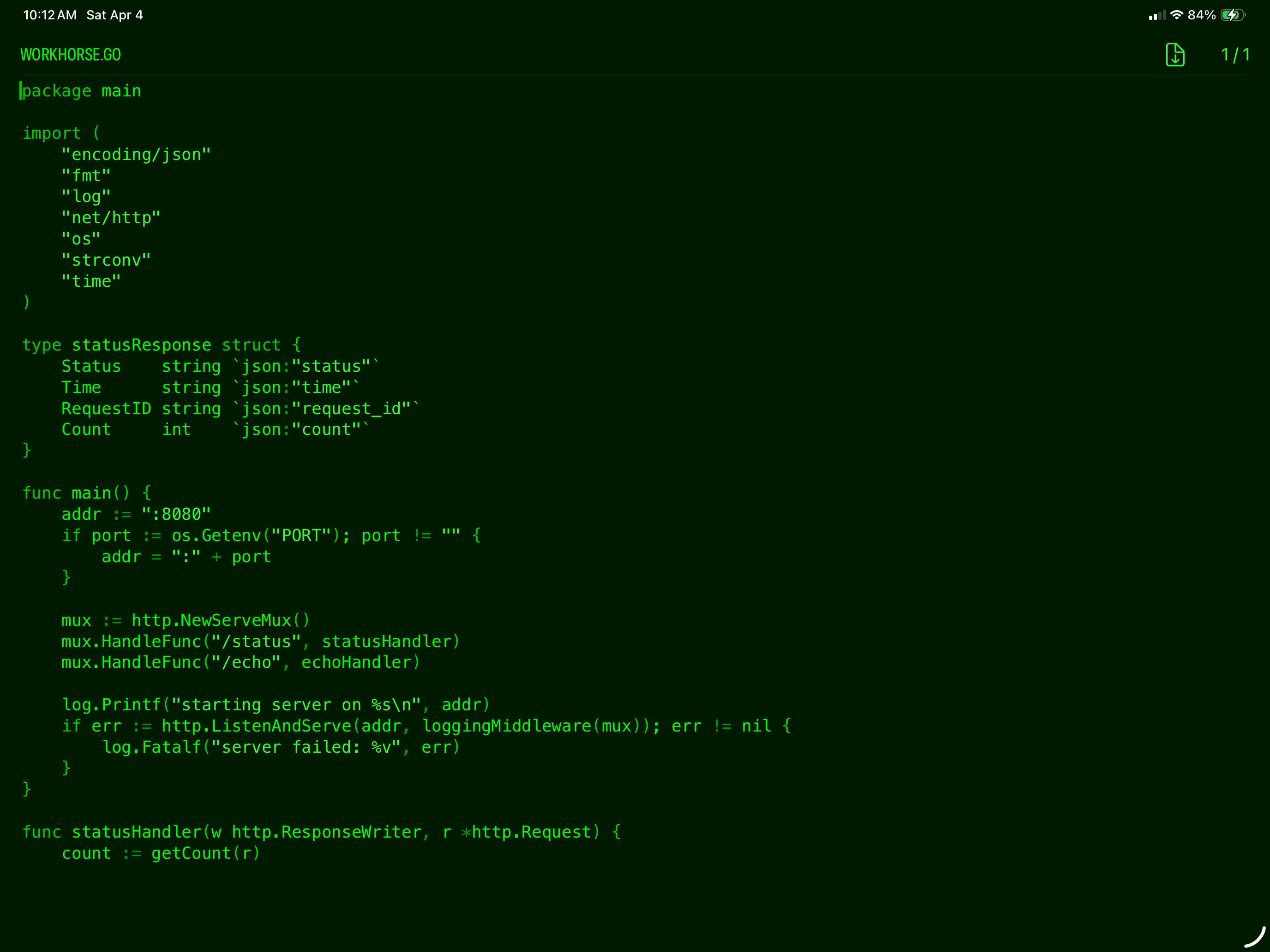
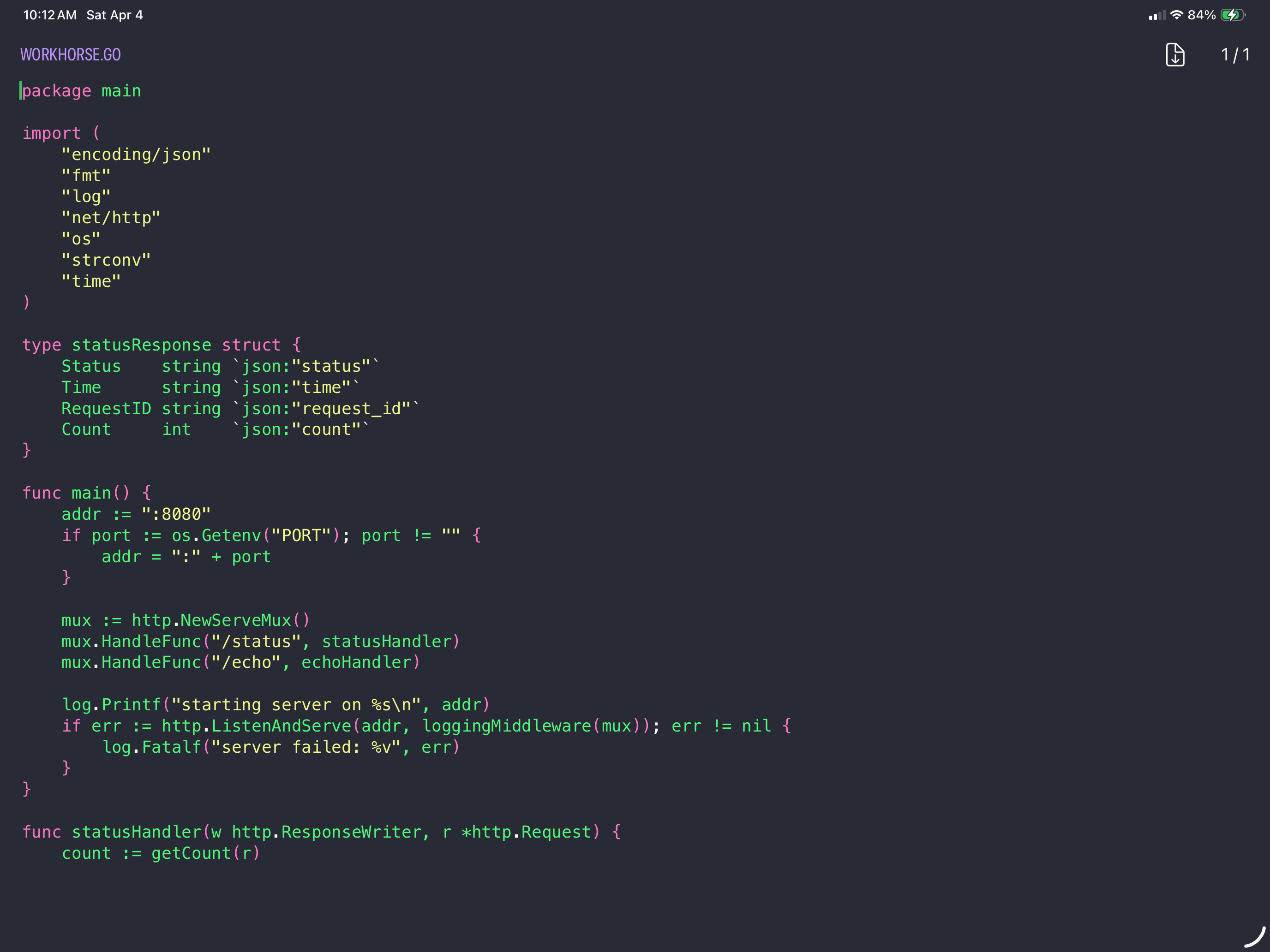
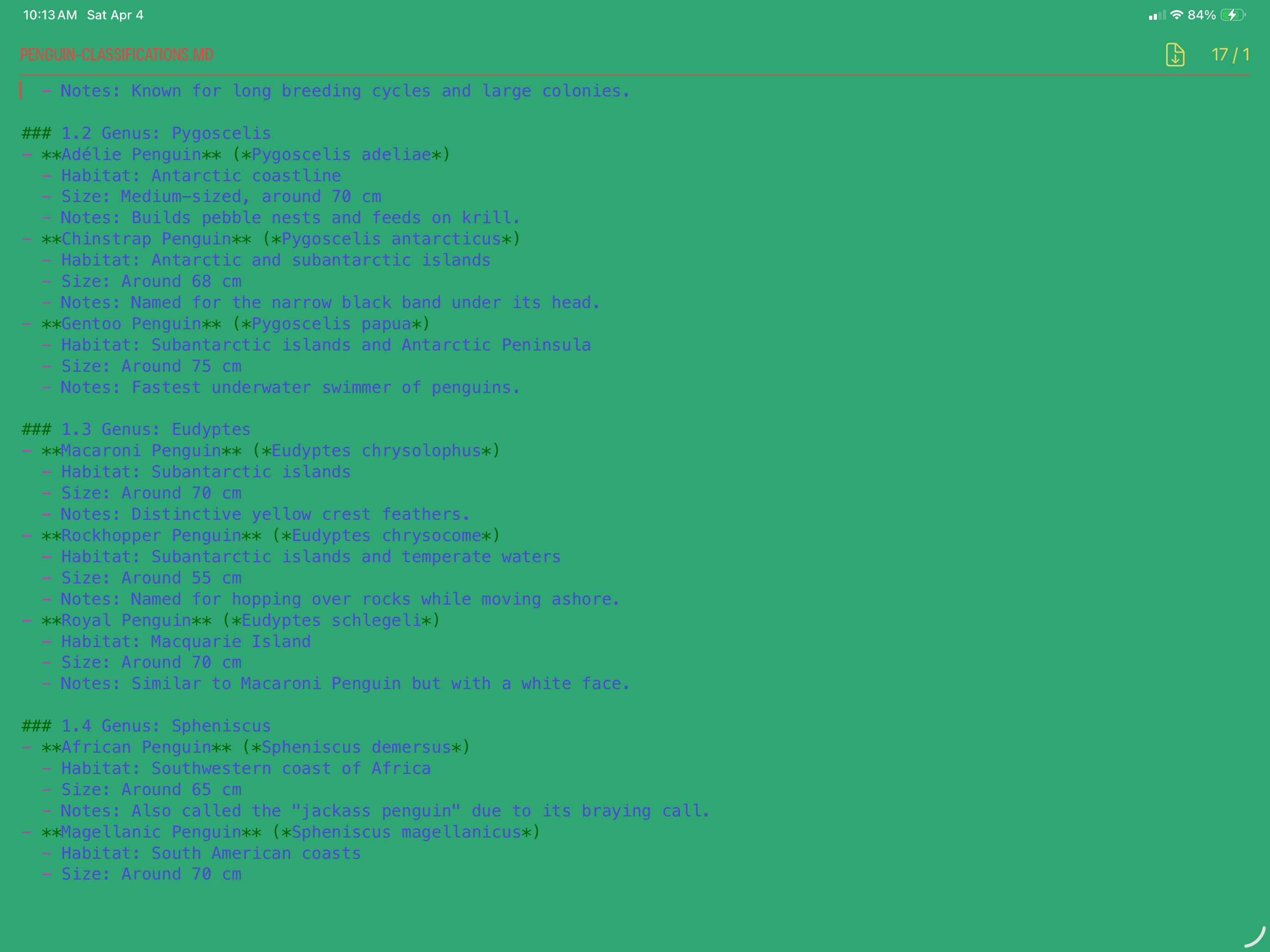
Popular and fun themes included, plus the ability to create your own
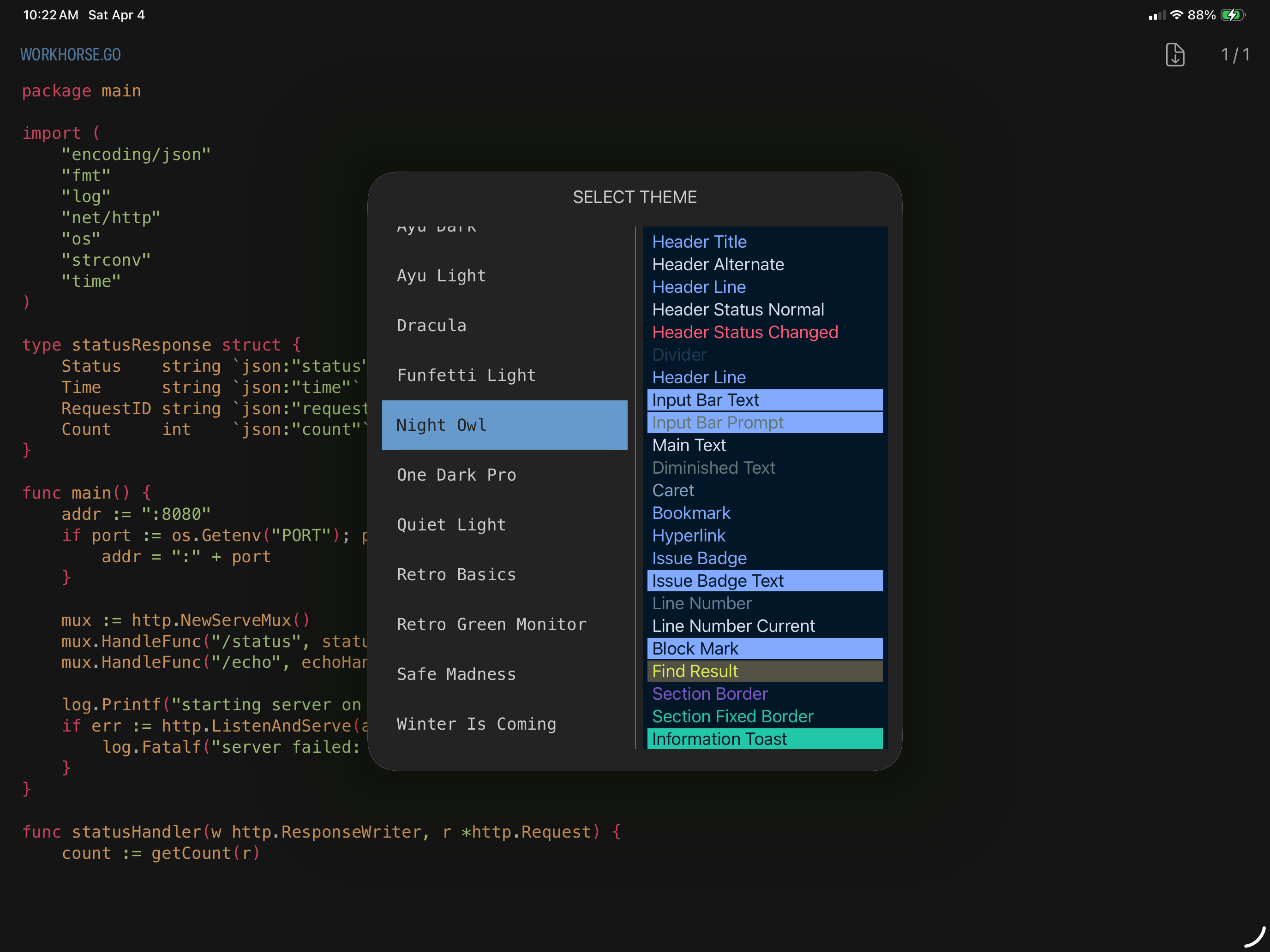
Theme selector lets you easily switch between different visual themes
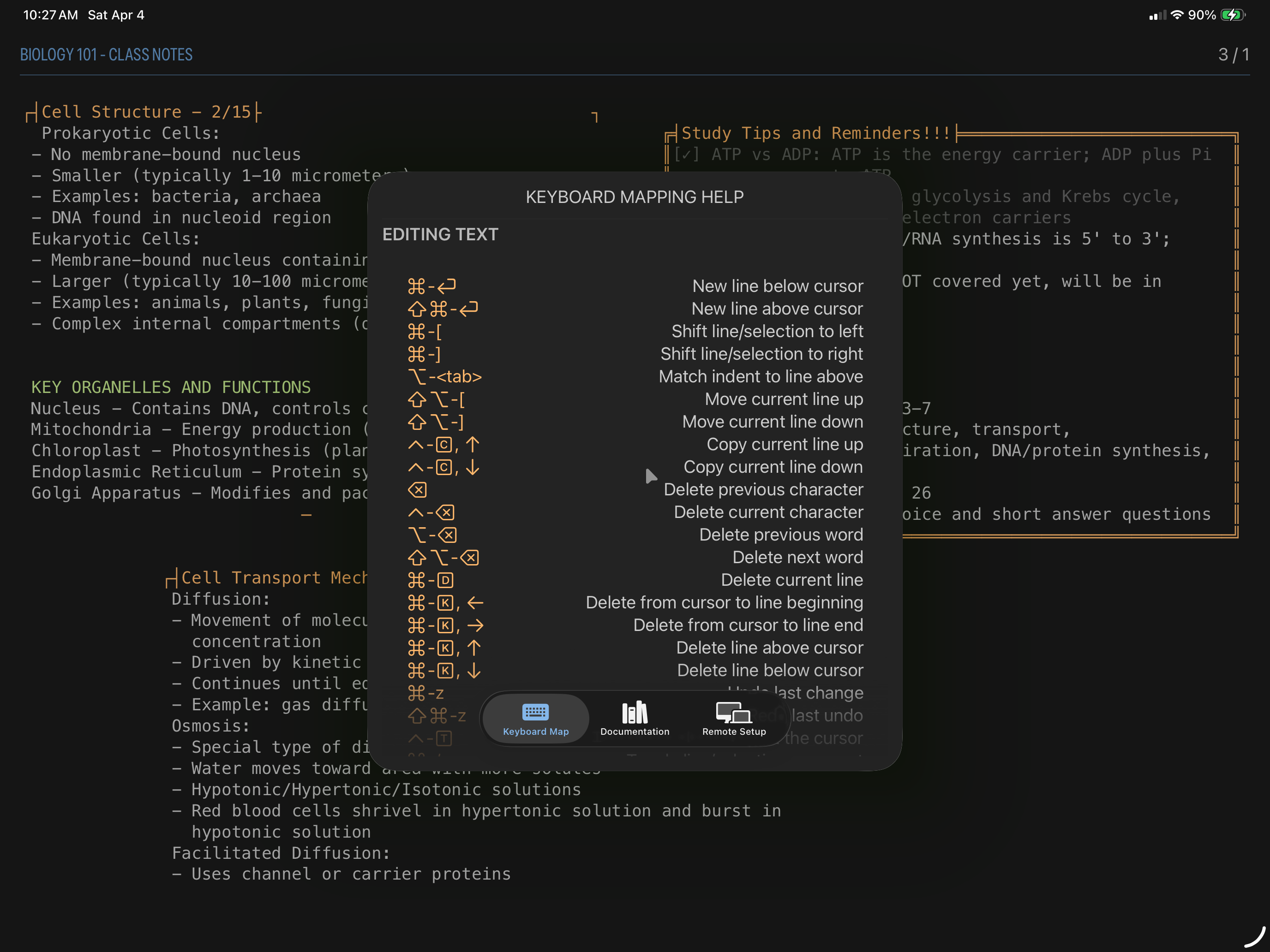
Ctrl-h brings up the help window with keyboard commands and full documentation