Powerful Text and Code Editing on Your iPad

Greditor brings professional-grade code editing capabilities to your iPad. Write documents, take notes, edit and manage your development files on the go.

Key Features

📝

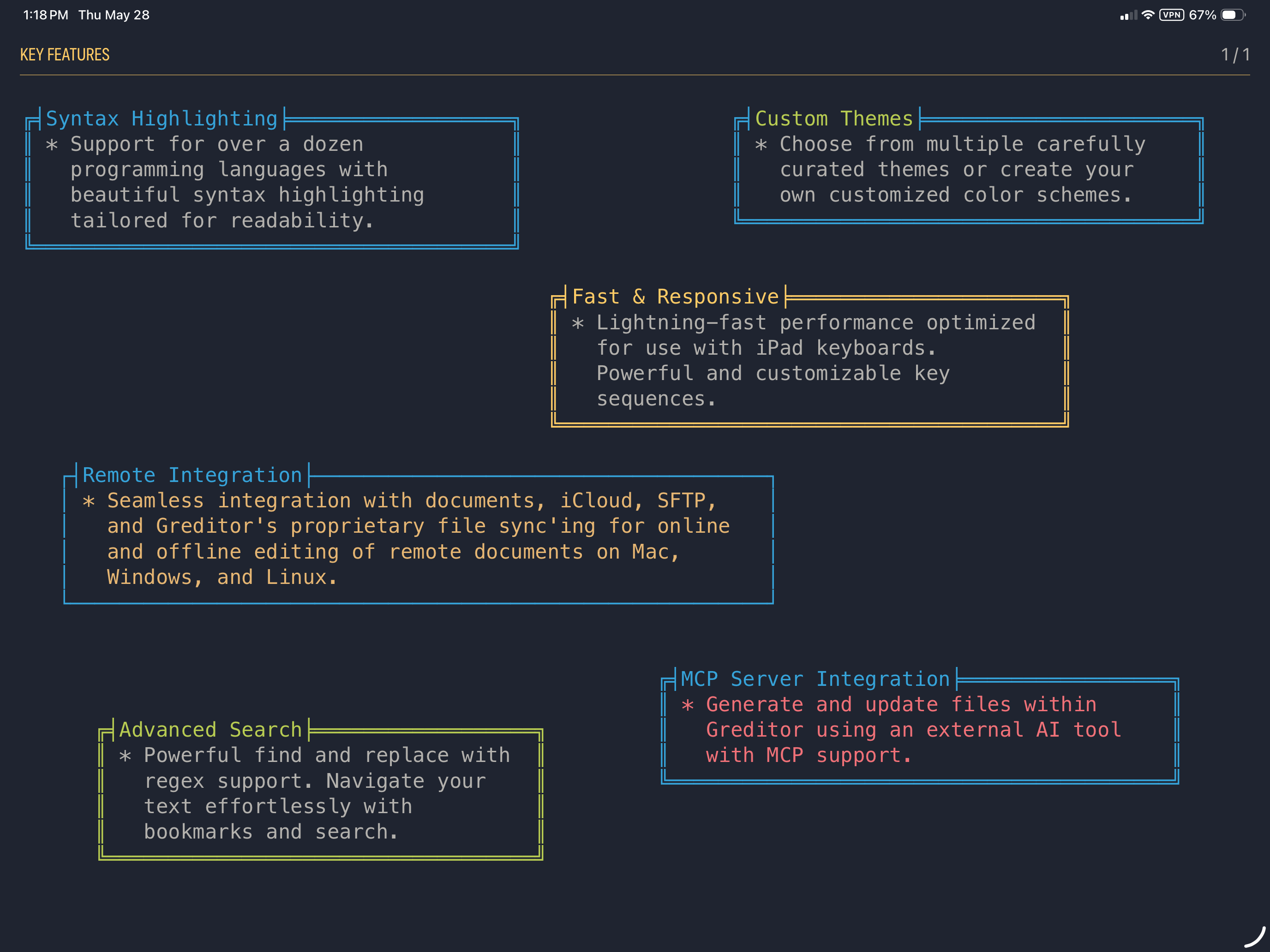
Syntax Highlighting

Support for over a dozen programming languages with beautiful syntax highlighting tailored for readability.

🎨

Custom Themes

Choose from multiple carefully curated themes or create your own customized color schemes.

Fast & Responsive

Lightning-fast performance optimized for use with iPad keyboards. Powerful and customizable key sequences.

🔄

Remote Integration

Seamless integration with documents, iCloud, SFTP, and Greditor's proprietary file sync'ing for online and offline editing of remote documents on Mac, Windows, and Linux.

🔍

Advanced Search

Powerful find and replace with regex support. Navigate your text effortlessly with bookmarks and search.

📱

MCP Server Integration

Generate and update files within Greditor using an external AI tool with MCP support.

Professional Editing Experience on Your iPad

Designed for power users, Greditor combines the power of a professional code editor with the convenience of mobile development. Whether you're fixing a critical bug on the fly or brainstorming your next feature, Greditor has you covered.
Everything You Need for Productive Writing

  • Define projects to organize and quickly access files
  • Canvas mode allows free-form writing anywhere on the page
  • Create templates for generating starting documents
  • Full macro language support for custom document manipulation
  • Pure and minimalist interface allows you to focus on content
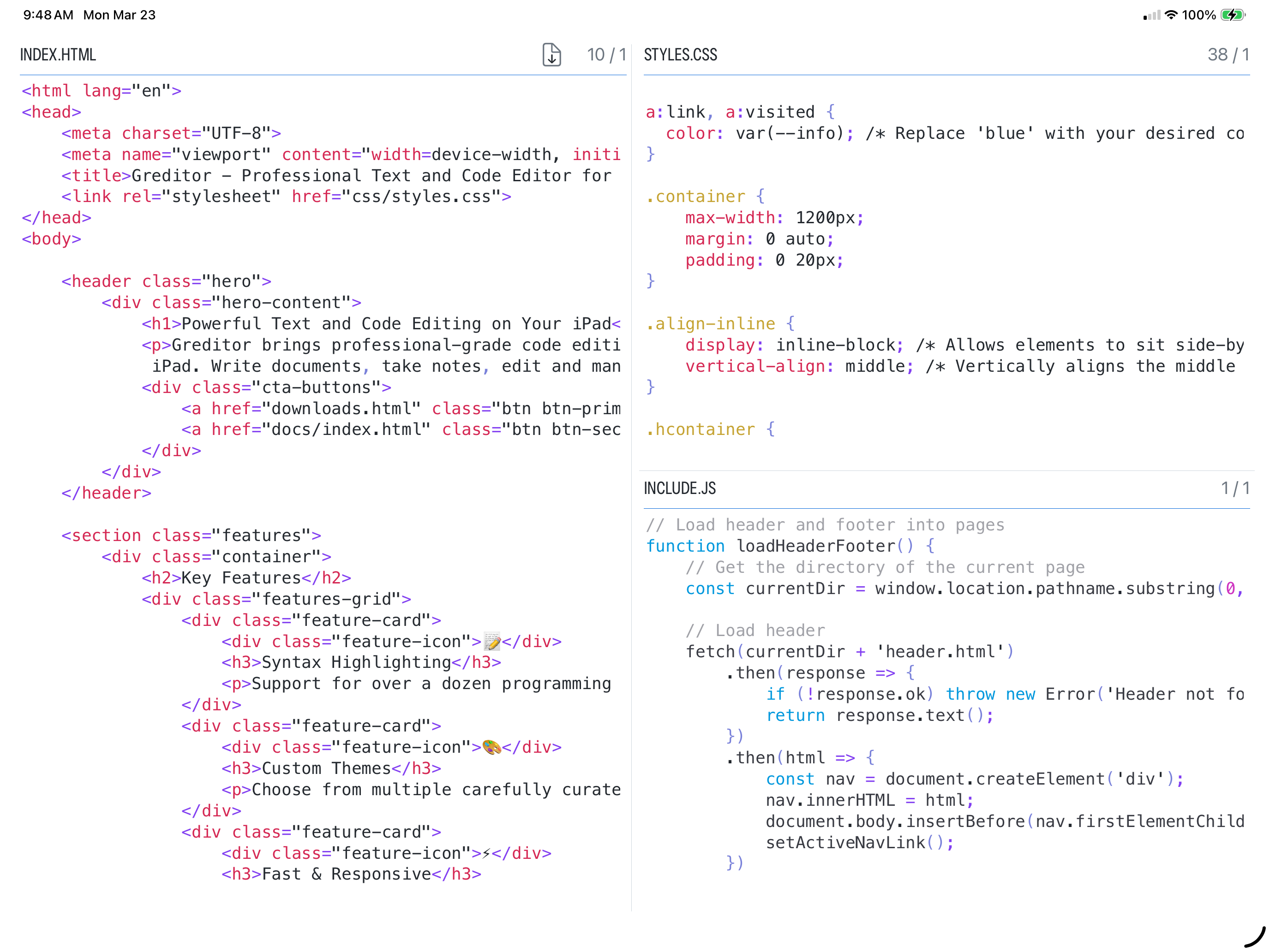
Greditor Interface Preview

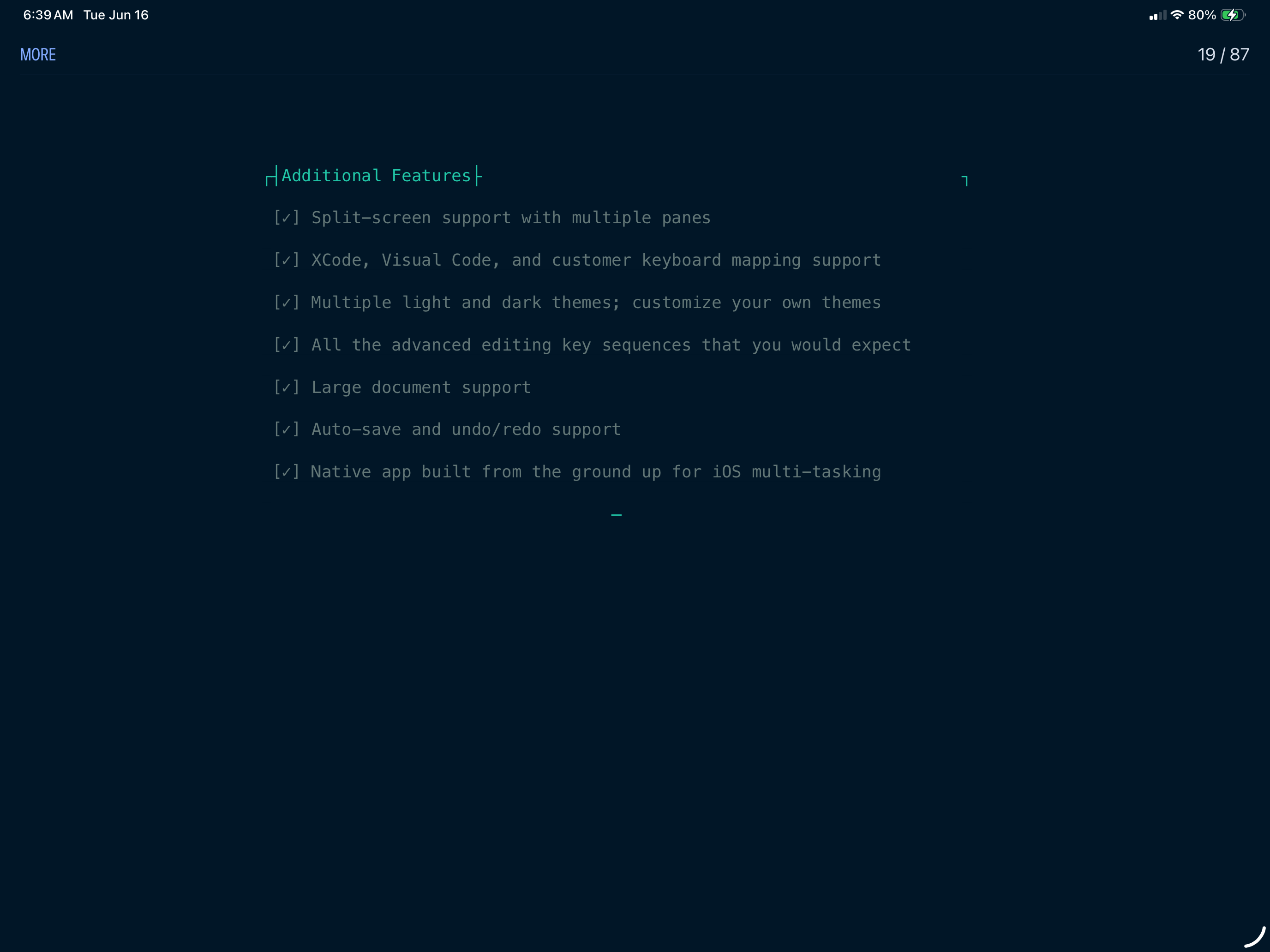
Additional Features